...
- 1 - Not Started: An event offering the induction for existing members has not been scheduled.
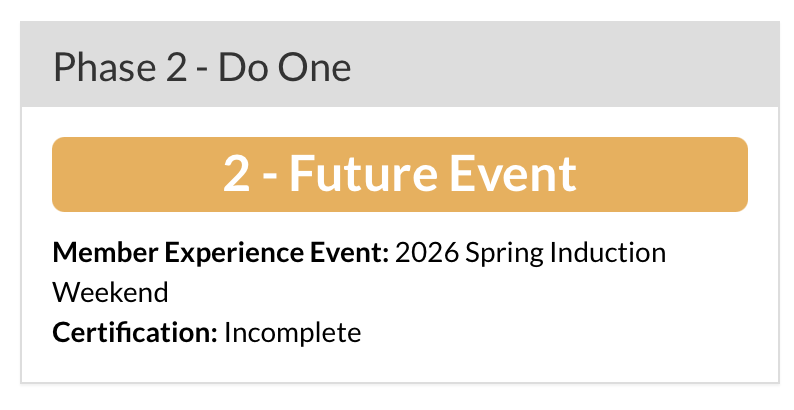
- 2 - Future Event: An event offering the induction for existing members is scheduled for a future date.
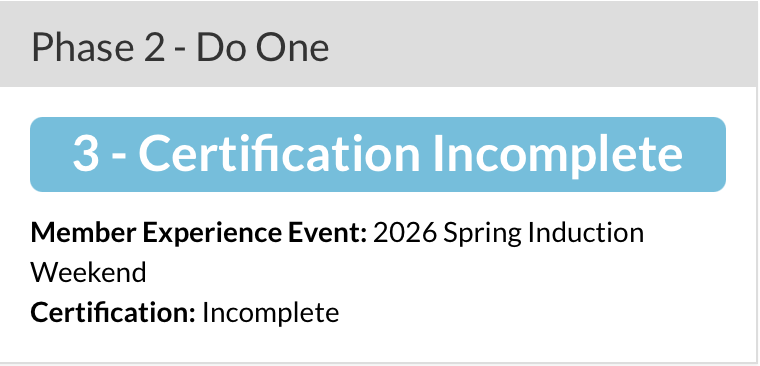
- 3 - Certification Incomplete: The event has concluded and is pending approval by the lodge peer coach in OALM.
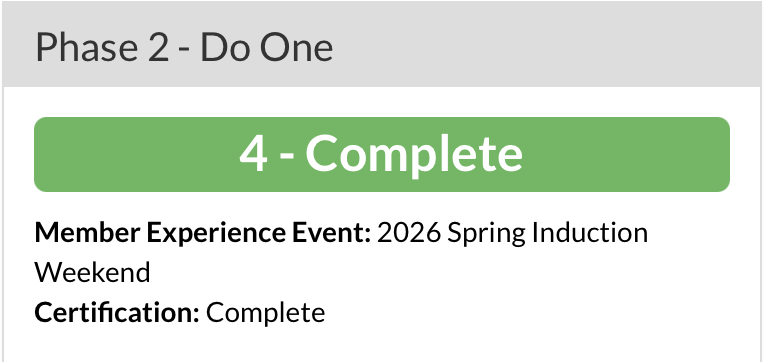
- 4 - Complete: The lodge's peer coach has affirmed that the lodge has completed the new induction and is ready to advance to Step 3 - Offer One.
...
Induction Experience events are added using OALM's existing Event Manager functionality. A full guide to the Event Manager is available here.
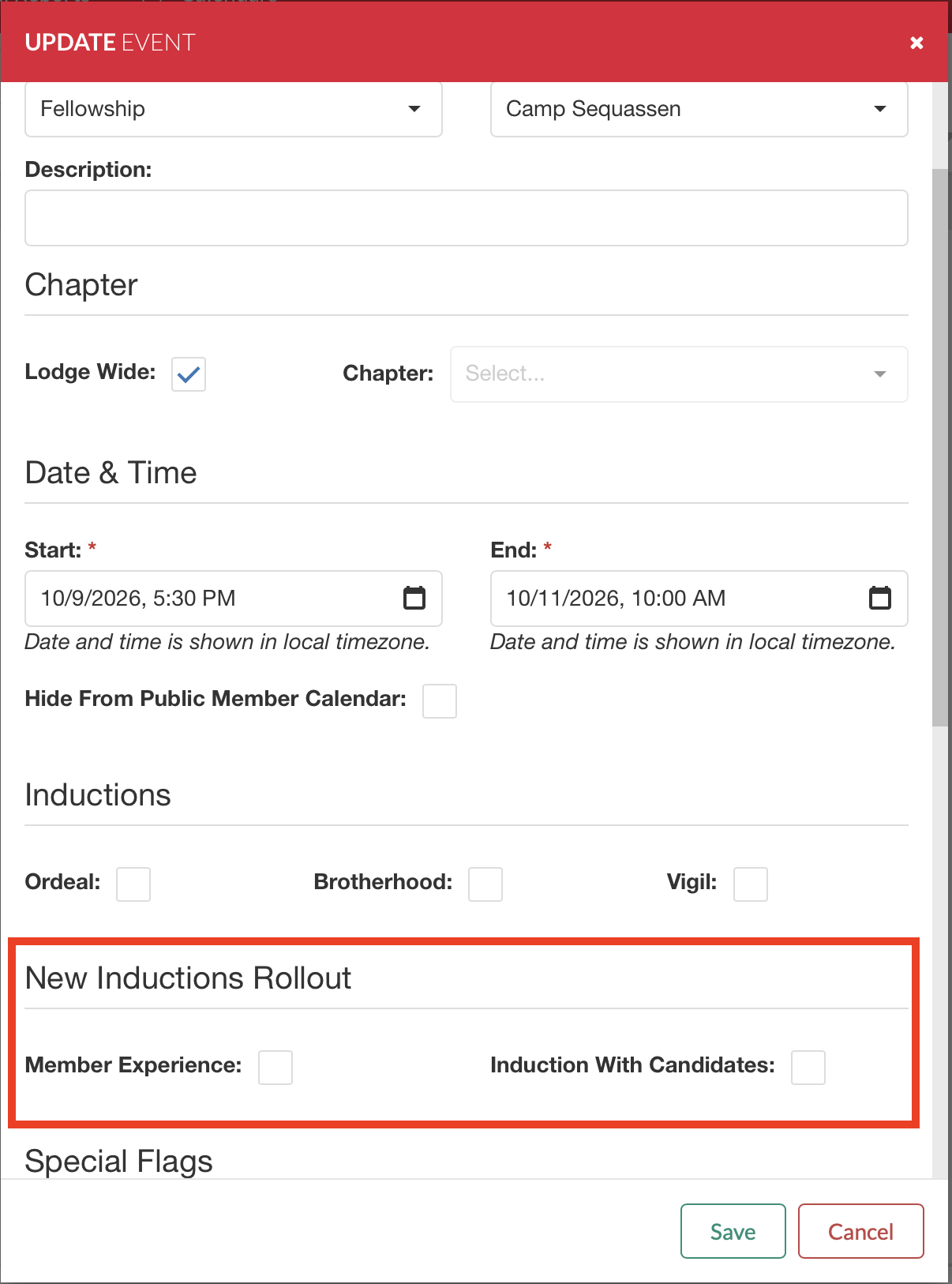
As part of the OALM updates to support the new induction, boxes have been added to the event details screen.
To schedule the event, create an event using the steps listed in the Event Manger guide. When creating an event where existing members are going through the new induction, select the Member Experience check box.
Note: Scheduling an event is what trigger the OA National Office to ship the lodge's complimentary induction materials kit. Any delay in posting your event in OALM will delay your lodge kit shipment.
Once the event is saved, the status on the NIRM for Step Two will advance to Future Event, as pictured below.
Once the event has passed, the status on the NIRM for Step Two will automatically advance to 3 - Certification Incomplete.
After the lodge's peer coach has input the approved status, Phase 2 will automatically advance to 4 - Complete
Event Attendance
It is critical that all lodge members who attended the event, especially as participants of the new induction are logged on the Event Roster. Details on managing event attendance can be found in the guide here. This ensures accurate reporting of the number of members who have experienced the new induction.
Step Three - Offer One Reporting
Once Step Two is complete, the lodge will need to schedule and complete at least one new induction with newly elected members. The event is scheduled using the Event Manager in the same manner explained above. However, when the event is created, the user must select the Induction with Candidates box to indicate that this is a live induction. Note: an event can serve both. For example, if a lodge will have a crew for existing members are part of a new member induction, both boxes should be checked.
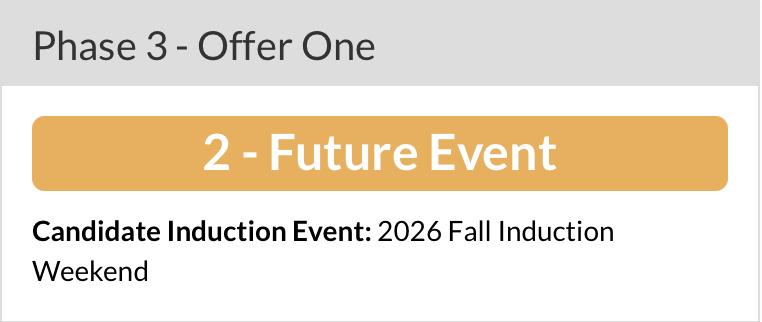
Once an event is scheduled with a future date the Phase Three - Offer One status will automatically advance to 2 - Future Event.
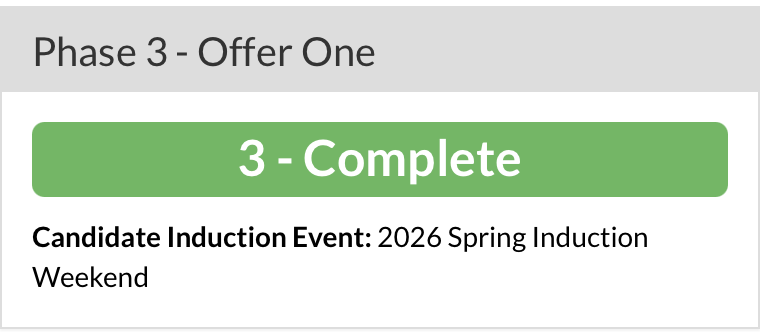
After the event has passed, the Phase Three - Offer One status will automatically advance to 3 - Complete.
Event Attendance
It is critical that all lodge members who attended the event, especially as participants of the new induction are logged on the Event Roster. Details on managing event attendance can be found in the guide here. This ensures accurate reporting of the number of members who have experienced the new induction.
Support
For any support on the new induction process and expectations regarding the use of OALM as a part of the rollout process, please email inductions@oa-scouting.org