...
One thing everyone forgets is that we need to exclude people who are no longer registered with the Scouting America. You have to be registered with the Scouting America in order to be in the OA, and people will complain (and have every right to) if we ask them to pay dues and they try to and it won't let them because they're not registered. It's probably a good idea to also filter these for any email we send that goes to people who are unpaid more than a year back, whether it's about dues or not.
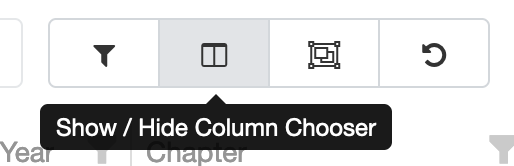
- Open the Column Chooser:
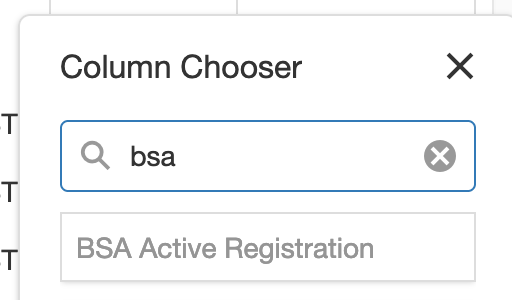
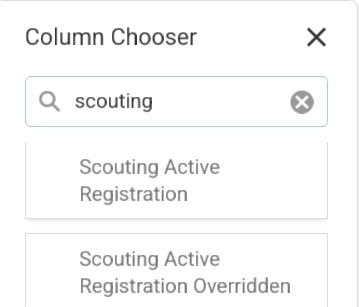
- In the search box at the top of the column chooser, type in 'scouting america', then click and hold on "Scouting America Active Registration" and drag it into the grid. When you see a blue line between columns, you can let go, and it will add the column in that spot.
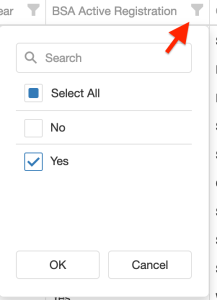
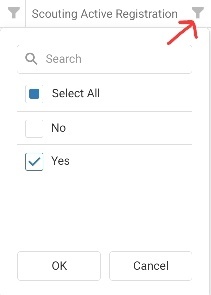
- Click on the filter pin (see the red arrow below) on the Scouting America Active Registration column, then pick "Yes", then click OK at the bottom
- At this point you should have a list of people who haven't paid dues *and* are still Scouting America members. Go ahead and start your email.