This depends on you having up-to-date attendee data loaded in the event already.
To send email to members who have not yet registered for an event:
- Go to the Member Manager
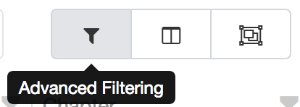
- Open the Advanced Filtering dialog
- At the bottom, in the Additional Data to Include section, choose the event from the dropdown on the Event line.

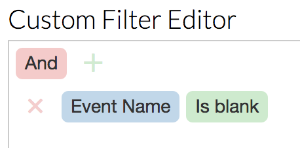
- Back at the top, in the Custom Filter editor, add a new condition: Event Name is blank
- Set the Dues Years to Include as appropriate for your target audience (usually either current year only or all of the last few years).
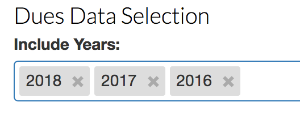
- Click Apply at the bottom. Your grid data now contains the people who paid dues in the years you selected, minus the people who have already registered for the event.
- Go to the Grid Data menu and choose Send Email