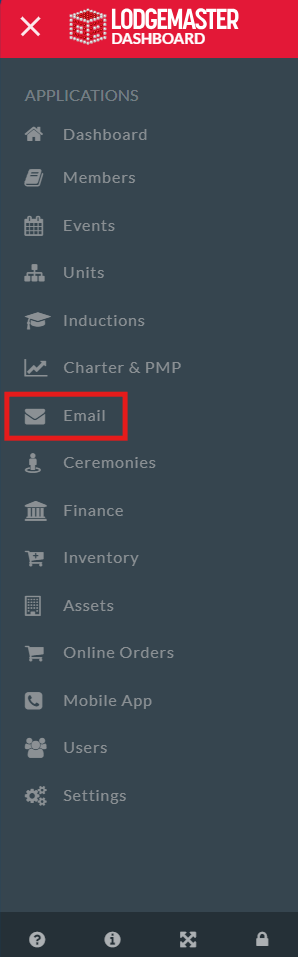
 The Email Manager in Lodgemaster allows you to view all emails, sent and awaiting approval,
The Email Manager in Lodgemaster allows you to view all emails, sent and awaiting approval,
and to manage email approval within your lodge depending on your permissions.
Within Lodgemaster, both sending and approving emails can be an adaptive, but important feature for keeping your lodge connected and enabling your officers and advisors to communicate with your chapters and your lodge. With the Email Manager feature in Lodgemaster you can approve emails that have been created, view emails that have been sent, both by you and other parties, depending on your permissions. With the feature to choose who receives your message, communicating with your lodge has never been easier.
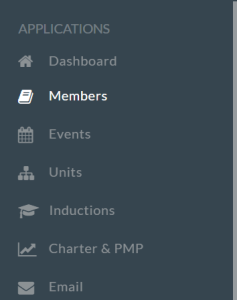
To Create an Email, visit the Members tab in the Dashboard
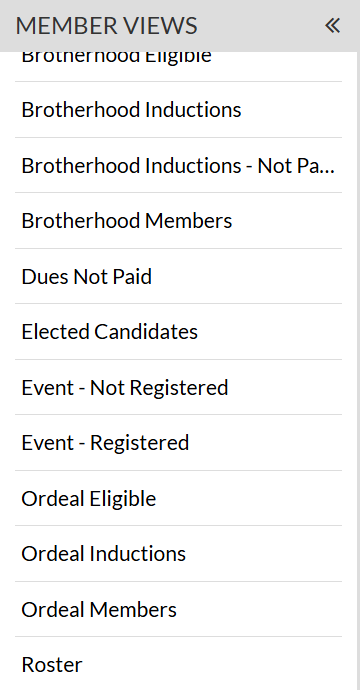
From there, you can choose the filter you wish to apply, choosing which people you can send the email too, such as Roster, Brotherhood Eligible or Dues Not Paid
After selecting your filter or view, you will hover over the first button at the top, Grid Data
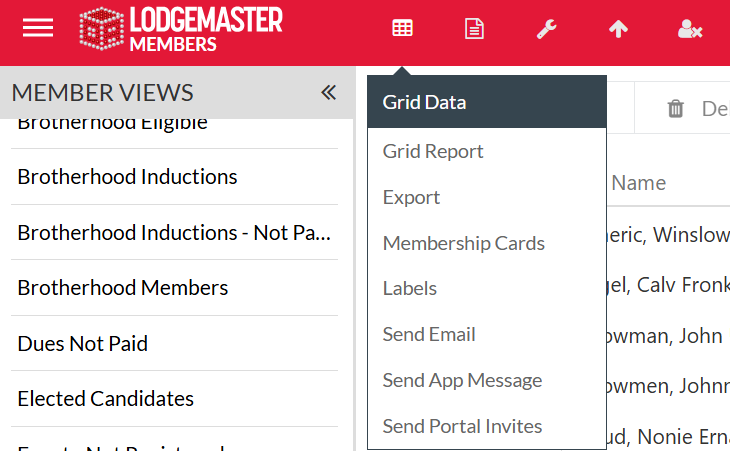
From there you can scroll down and select  Which will then take you to the email interface
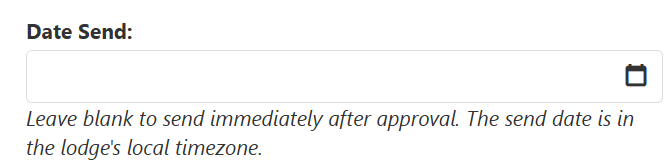
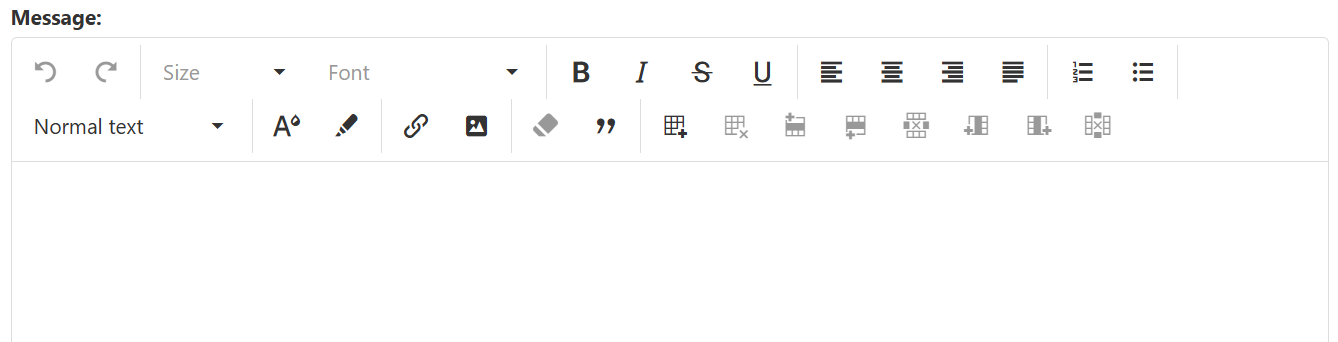
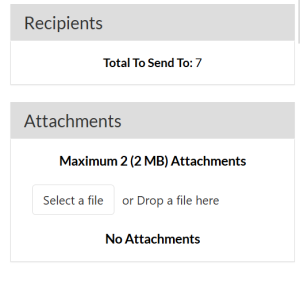
From there, check a few important pieces of information to make sure they are correct first