The 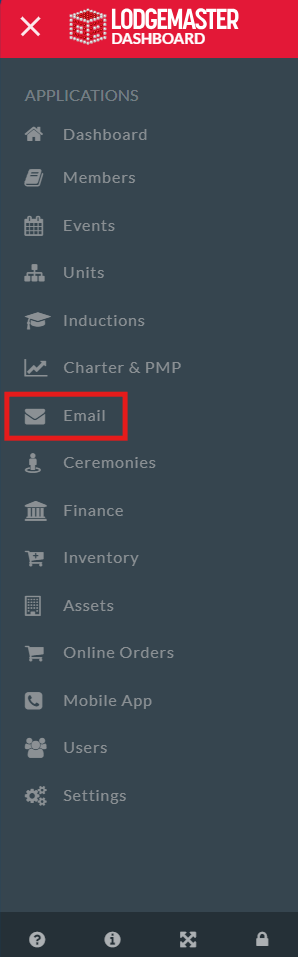 The Email Manager in Lodgemaster allows you to view all emails, sent and awaiting approval,
and and to manage email approval within your lodge depending on your permissions.
Table of Contents
Overview Overview
- Creating an Email
- Selecting Recipients
- Sending an Email
- Email Field
- Date Send
- Subject
- Message
- Attach Files
- Save or Send
- Approving an email
- Viewing approved emails
...
- Check your email, make sure the sending email is correct
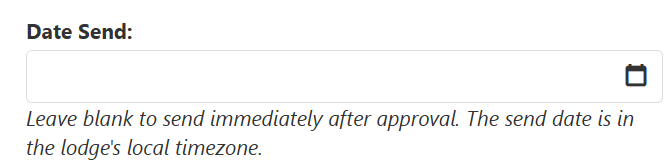
- Select a Date Send, can either select the current date, and leave the field blank, or select a future date for your email to send automatically
- Enter a
- a Subject, such as "You're Eligible for Brotherhood", or "Register for Conclave"
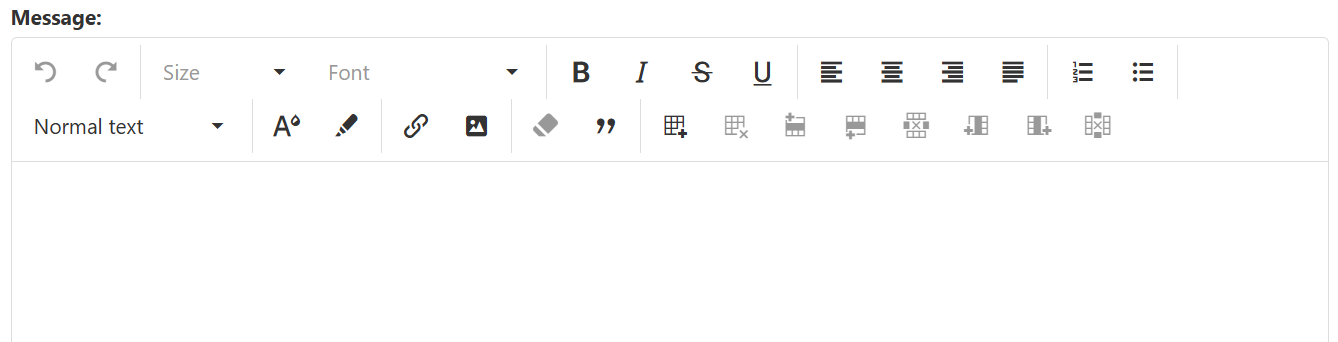
- From there you can type your message, using any of the features needed in the message field such as text color change, or embedding links.
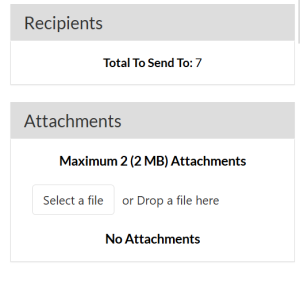
- You can check your number of recipients and attach any files, such as an event flyer, or other documentation
- The last step, after you have created your email is to send by selecting one of two options, to save and close for later, or submit for approval to be sent.
...