-
Created by
 Chadd Blanchard, last updated by Matthew Hudson on Sept 02, 2026
3 minute read
Chadd Blanchard, last updated by Matthew Hudson on Sept 02, 2026
3 minute read
The Email Manager in Lodgemaster allows you to view all emails, sent and awaiting approval,
and to manage email approval within your lodge depending on your permissions
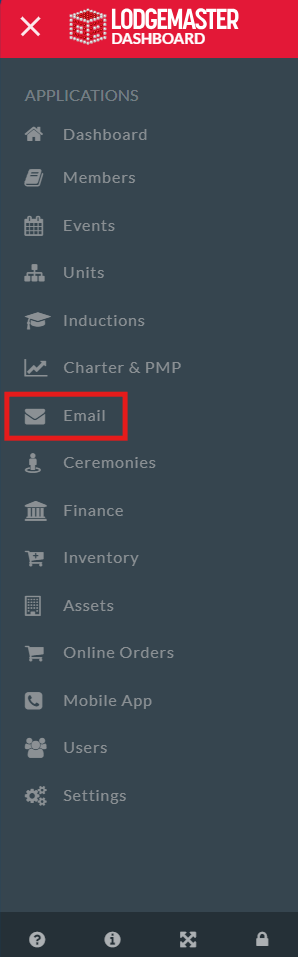
Table of Contents
Overview
- Creating an Email
- Selecting Recipients
- Sending an Email
- Email Field
- Date Send
- Subject
- Message
- Attach Files
- Save or Send
- Approving an email
- Viewing approved emails
Overview
Within Lodgemaster, both sending and approving emails can be an adaptive, but important feature for keeping your lodge connected and enabling your officers and advisors to communicate with your chapters and your lodge. With the Email Manager feature in Lodgemaster you can approve emails that have been created, view emails that have been sent, both by you and other parties, depending on your permissions. With the feature to choose who receives your message, communicating with your lodge has never been easier.
Creating an Email
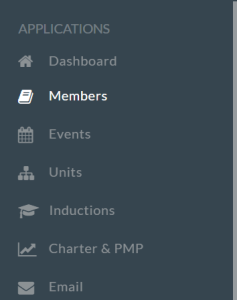
To Create an Email, visit the Members tab in the Dashboard
Selecting Recipients
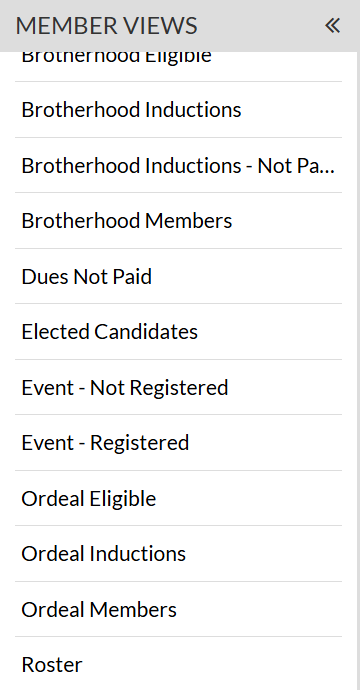
From there, you can choose the filter you wish to apply, choosing which people you can send the email too, such as Roster, Brotherhood Eligible or Dues Not Paid
After selecting your filter or view, you will hover over the first button at the top, Grid Data
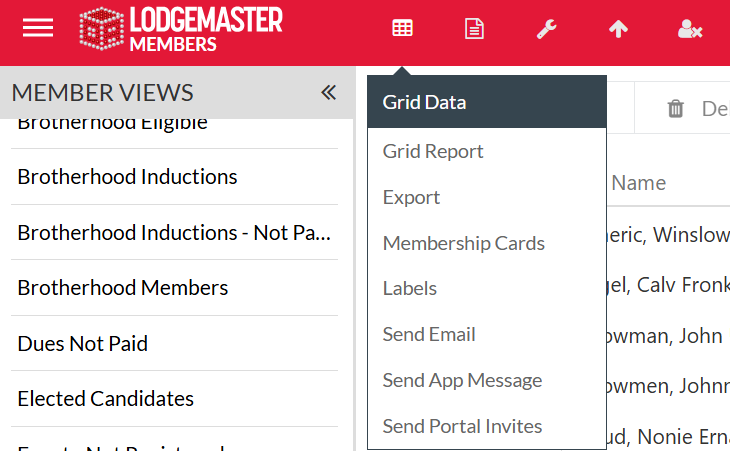
From there you can scroll down and select Send Email Which will then take you to the email interface
Sending An Email
From there, check a few important pieces of information to make sure they are correct first
- Check your email, make sure the sending email is correct
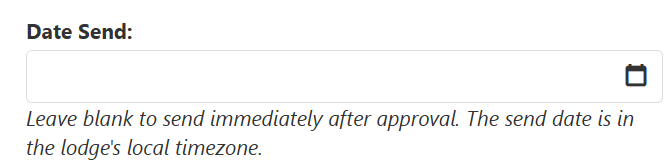
- Select a Date Send, can either select the current date, and leave the field blank, or select a future date for your email to send automatically
- Enter a Subject, such as "You're Eligible for Brotherhood", or "Register for Conclave"
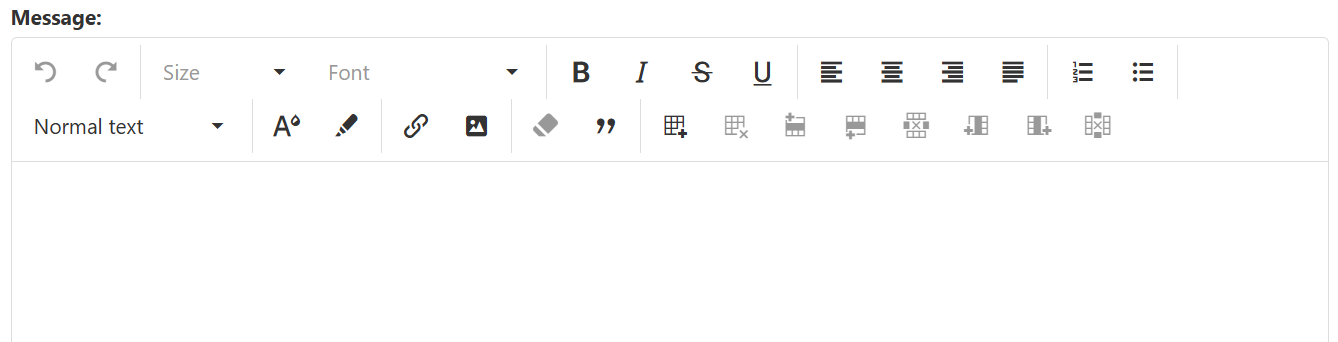
- From there you can type your message, using any of the features needed in the message field such as text color change, or embedding links.
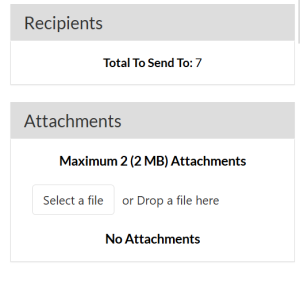
- You can check your number of recipients and attach any files, such as an event flyer, or other documentation
- The last step, after you have created your email is to send by selecting one of two options, to save and close for later, or submit for approval to be sent.